What Crimson Bible does, what works straight away, and the one or two things worth downloading first.
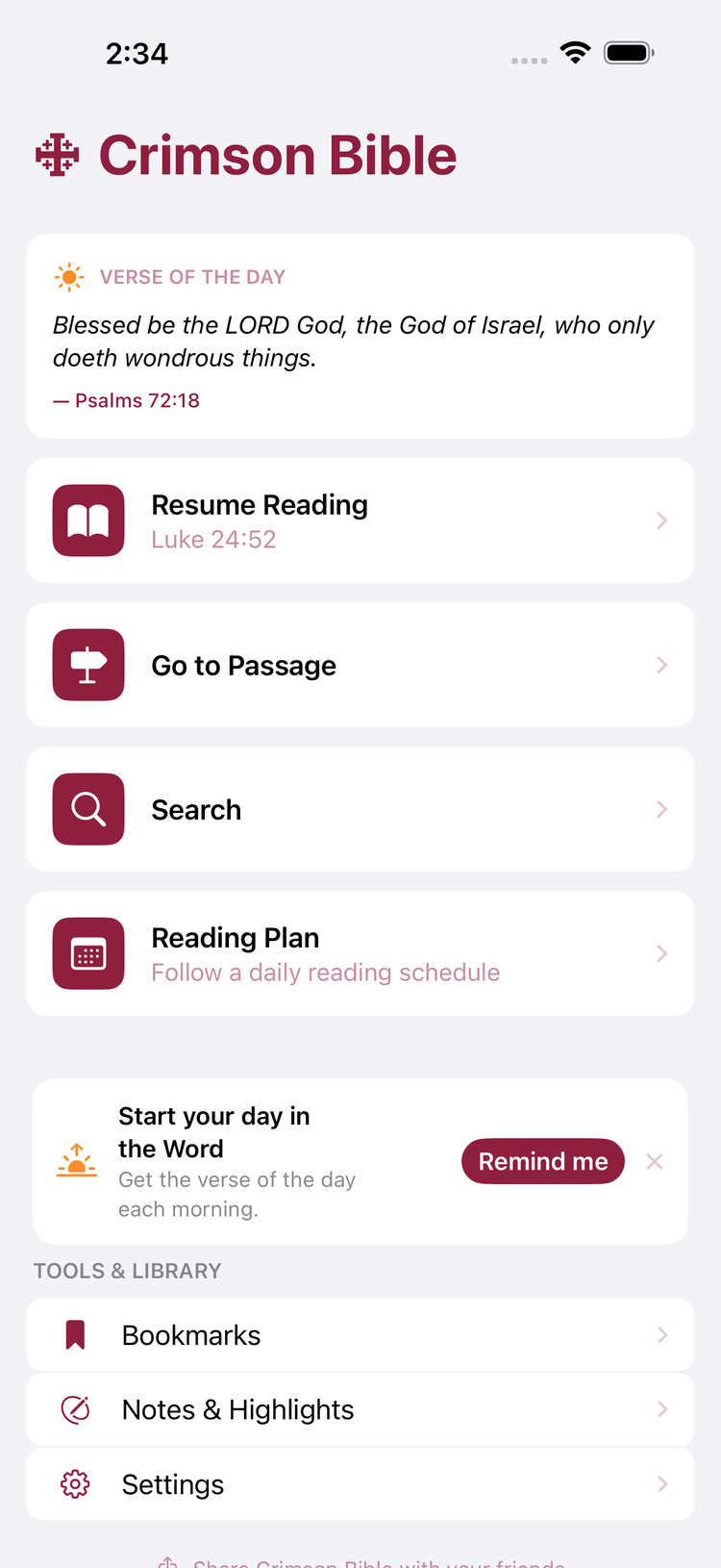
Crimson Bible opens on the Home screen with everything you need to read already on the device. Nothing has to be downloaded and no account is created — there is no sign-in at all.
None of that needs a connection. If you put the phone in airplane mode right now, all of it still works.
Home is a short list of the places you go most:
Download the narrated audio. The whole Bible is read aloud, 79 hours of it, free, with each verse highlighted as it is spoken. It is the part people most often do not realise is there. Start with the New Testament if you would rather not download everything at once — see Listen.
Add a translation in your own language. Nine translations across six languages are free downloads, including Reina-Valera 1909, Bíblia Livre, the Chinese Union Version, Smith & Van Dyke and Ang Dating Biblia. See Translations.
The thing to try first is search. Instead of guessing which words appear in the verse, ask the question you actually have — "what does the Bible say about worry", or "the verse about running the race" — and Crimson Bible will find passages by meaning. That is covered in Search by meaning.