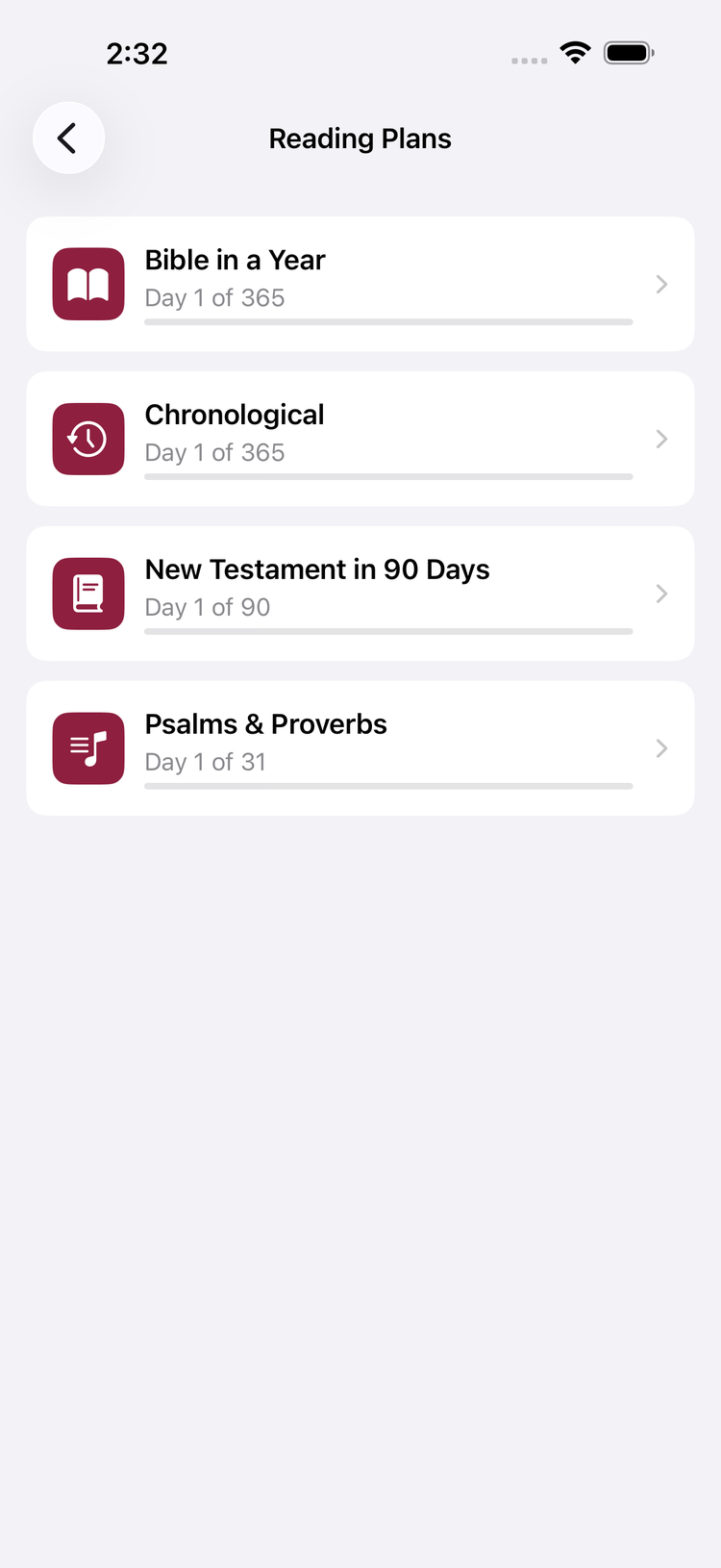
Four built-in plans, a daily reminder, and a streak that starts counting on your second consecutive day.
There are two ways to read through Crimson Bible on a schedule: a Read-Through, which simply goes Genesis to Revelation and remembers your place, or a Reading Plan, which gives you a set portion each day.
Your streak appears from the second consecutive day — a one-day streak is just reading. It counts days you completed, not days you opened the app.
A reading reminder can be set from Settings. It is a plain local notification at a time you choose; nothing is scheduled on a server, because there is no server involved.
Home shows a different passage each day. Tap it to read the chapter it comes from. It needs no connection — the selection is computed on the device.