用您自己的話、以您自己的語言提問。裝置端的 AI 會讀懂您問題的語意——無需關鍵字、無需網路——而每種譯本都以其自身的語言、運用相同的多層級搜尋架構進行檢索。
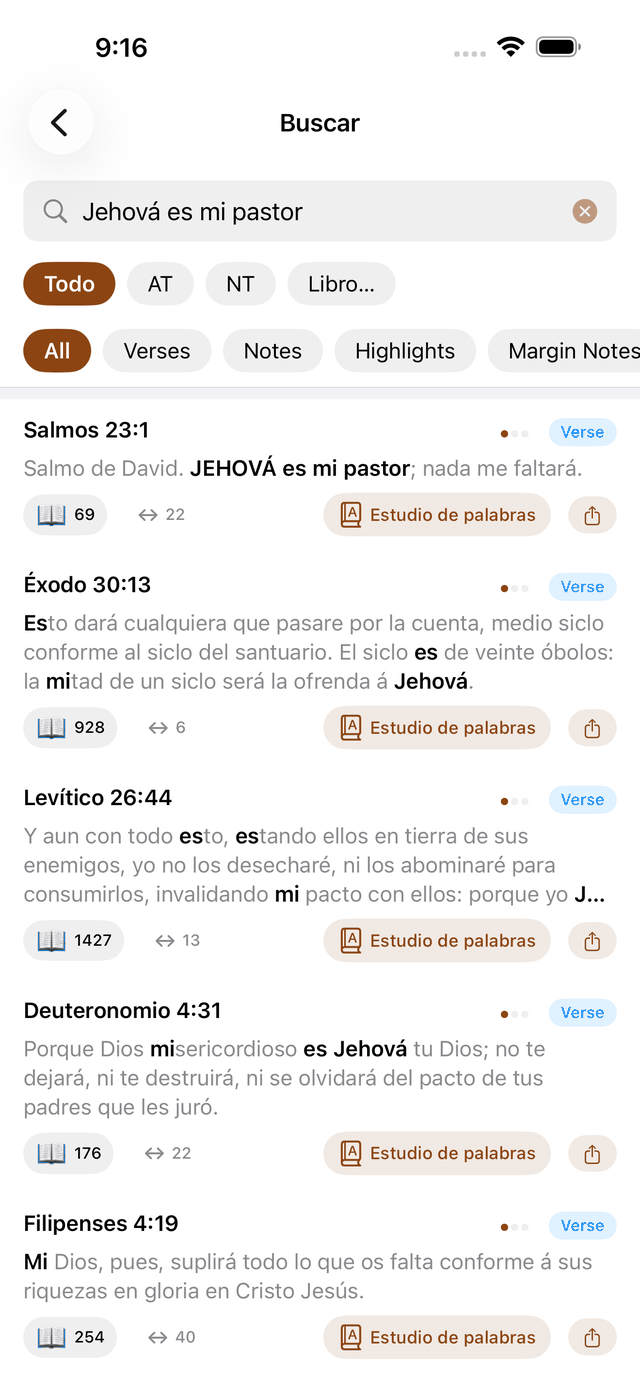
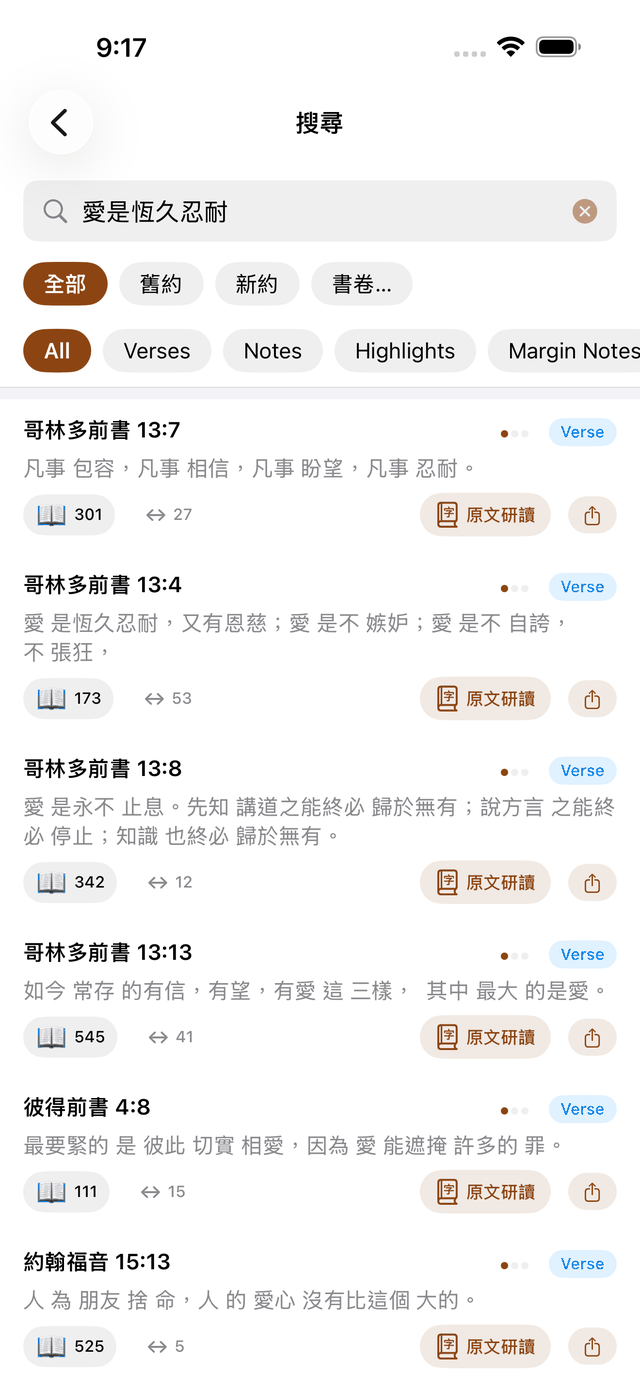
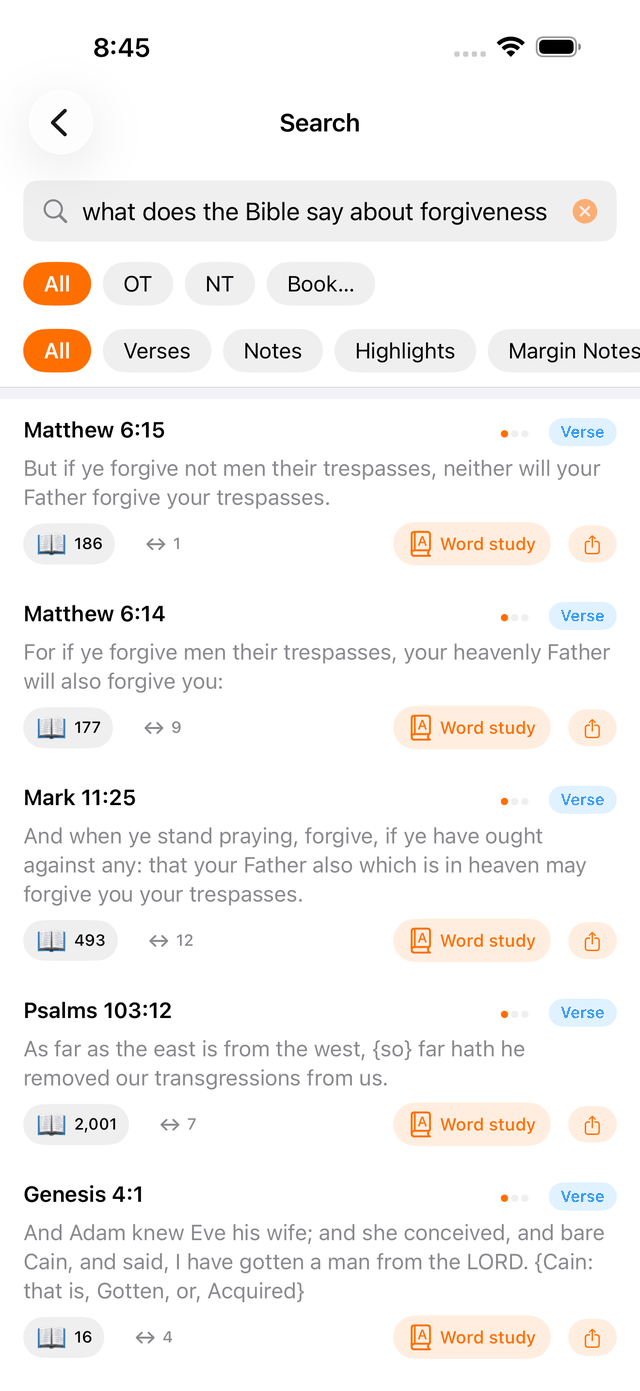
Español. "Jehová es mi pastor" in the Reina-Valera 1909 — the exact verse, Salmos 23:1, lands on top, with related passages right behind it.中文(繁體). "愛是恆久忍耐" (love is patient) in the Chinese Union Version — 1 Corinthians 13 first, then verses that share the meaning: 1 Peter 4:8, Proverbs 10:12.English. A whole question — "what does the Bible say about forgiveness" — answered with passages, not keyword matches.
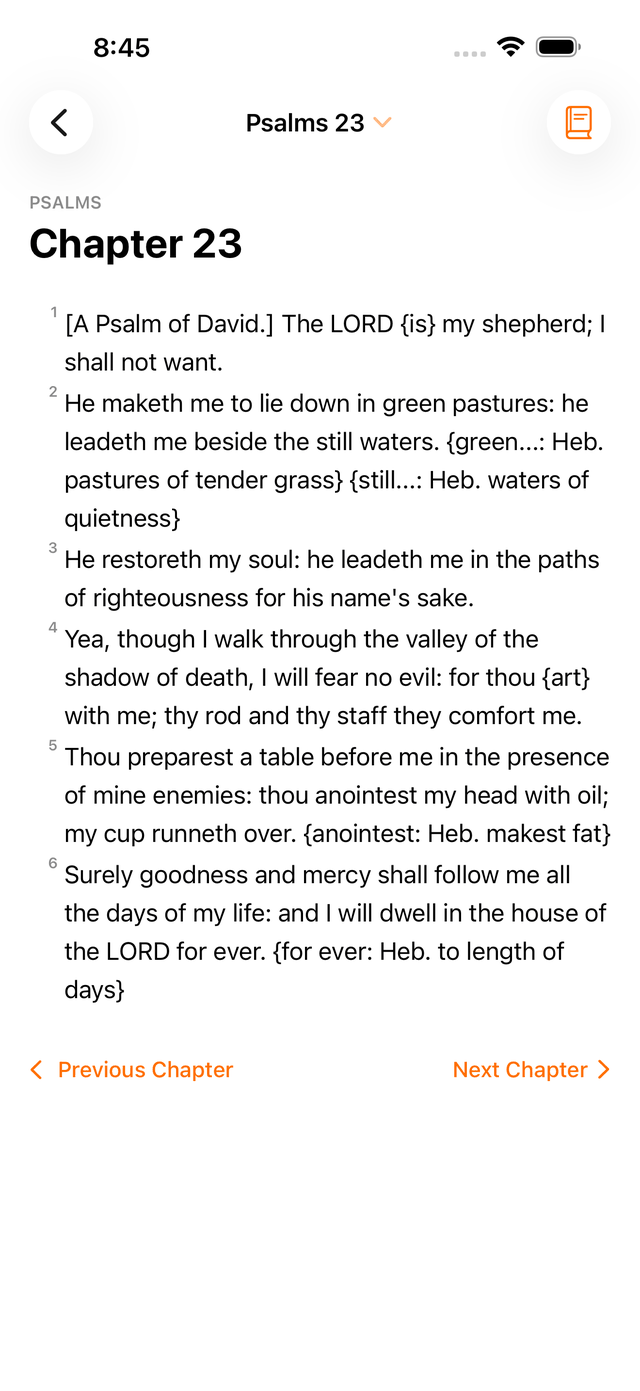
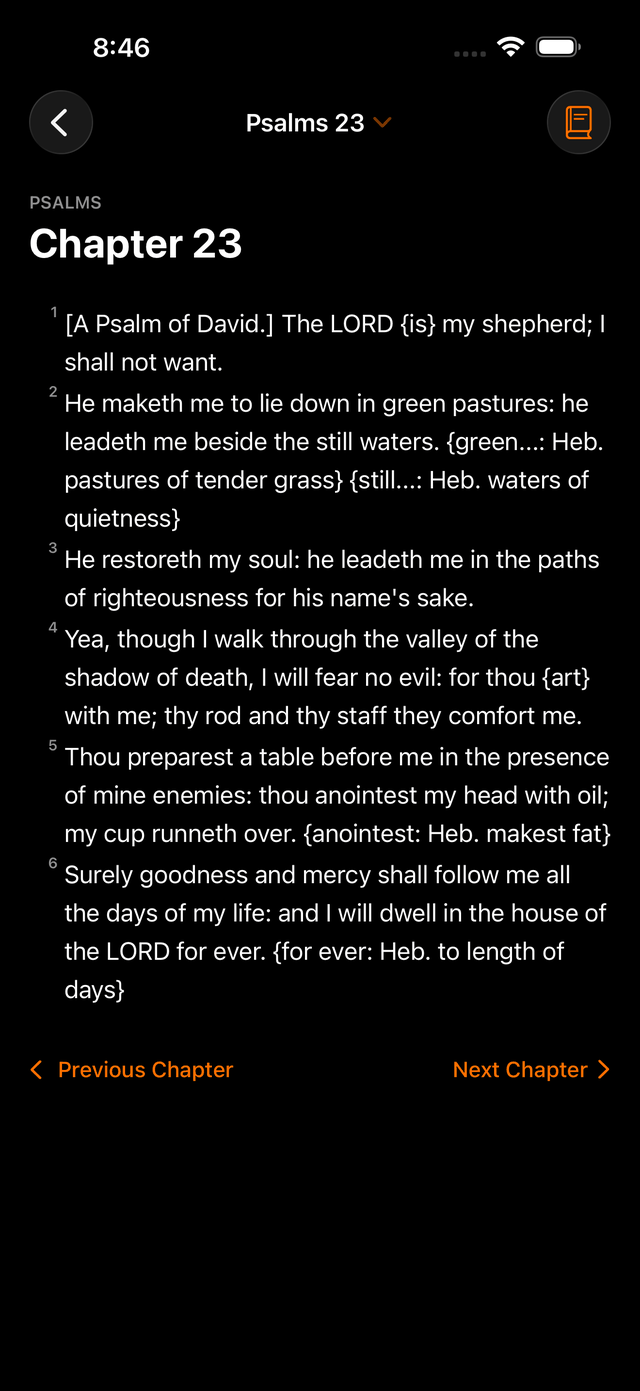
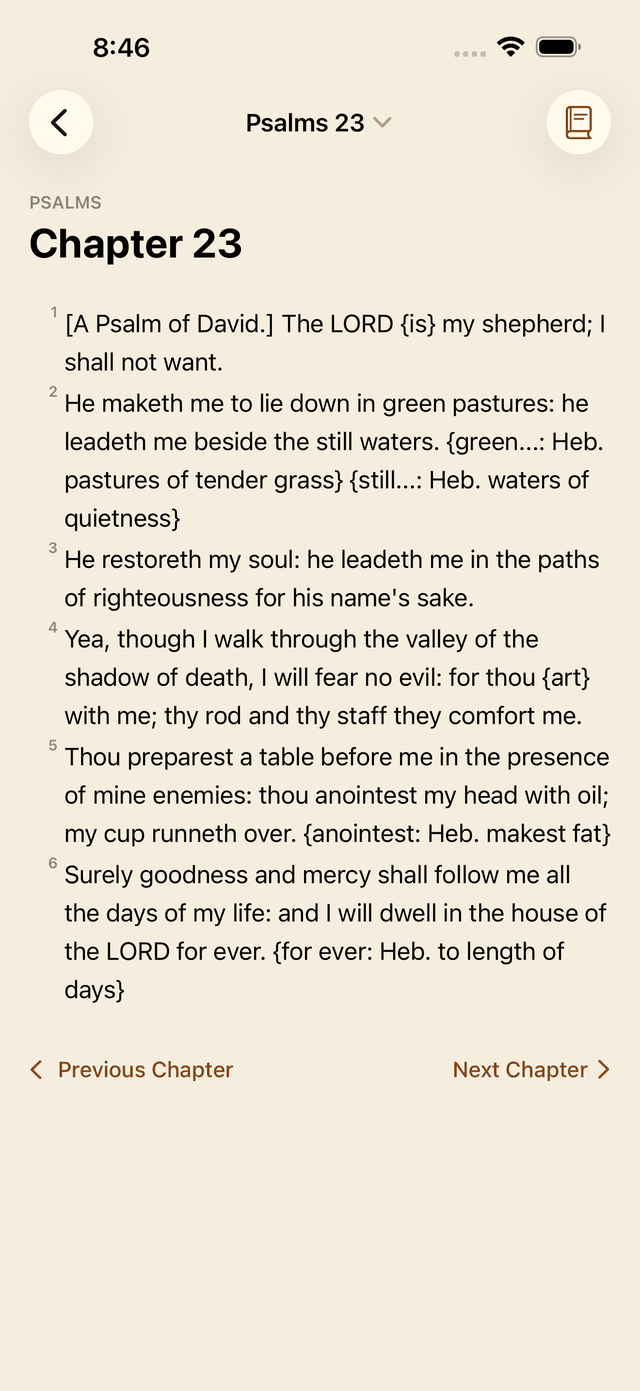
Light. Psalm 23, crisp and bright.Dark. The same chapter, easy on the eyes at night.Sepia. A warm paper tone for long reading sessions.
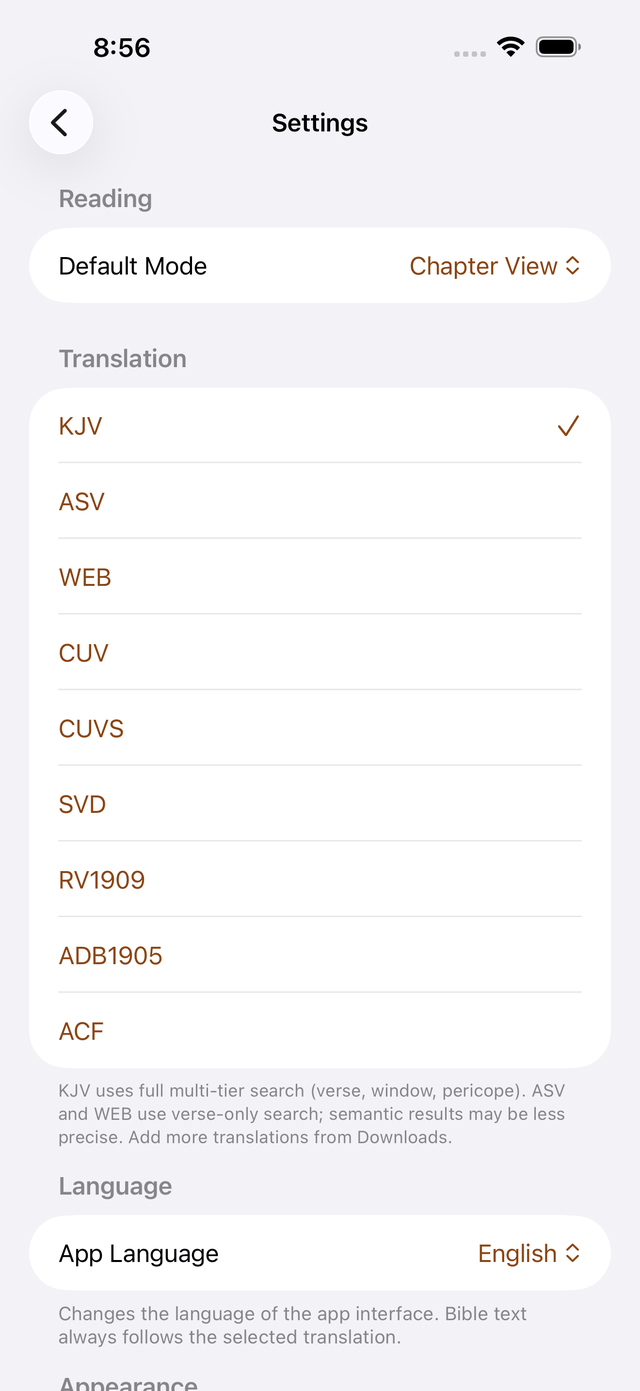
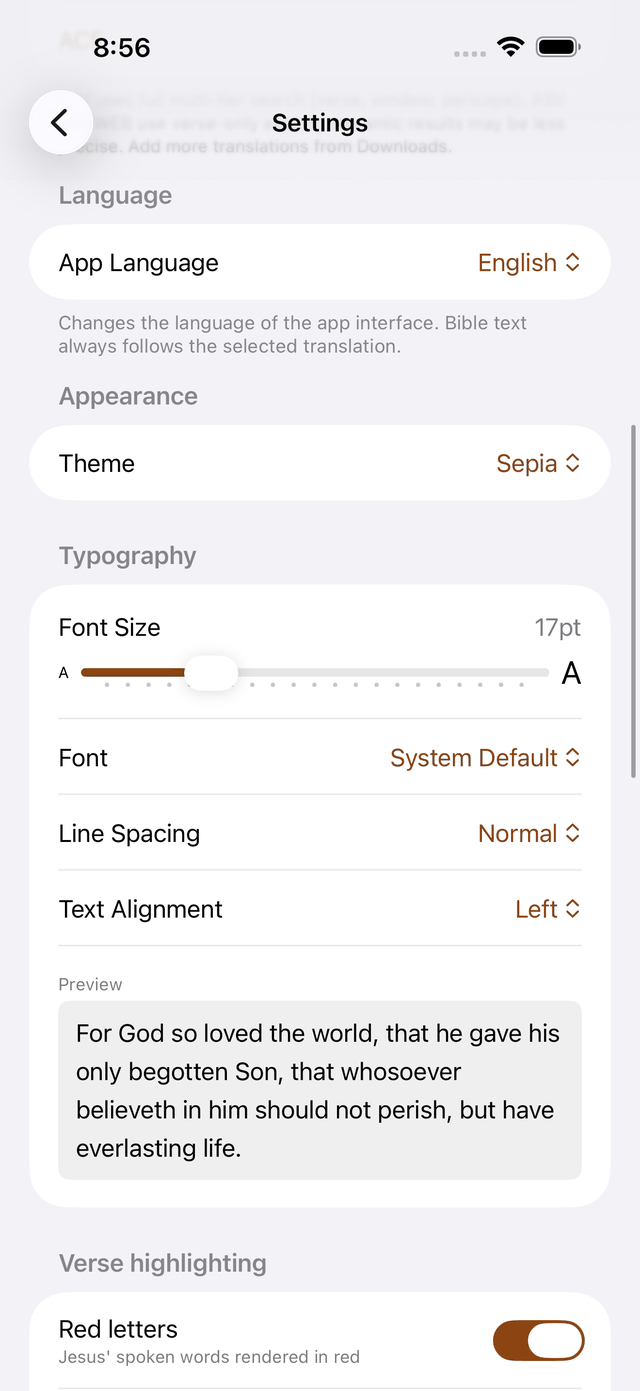
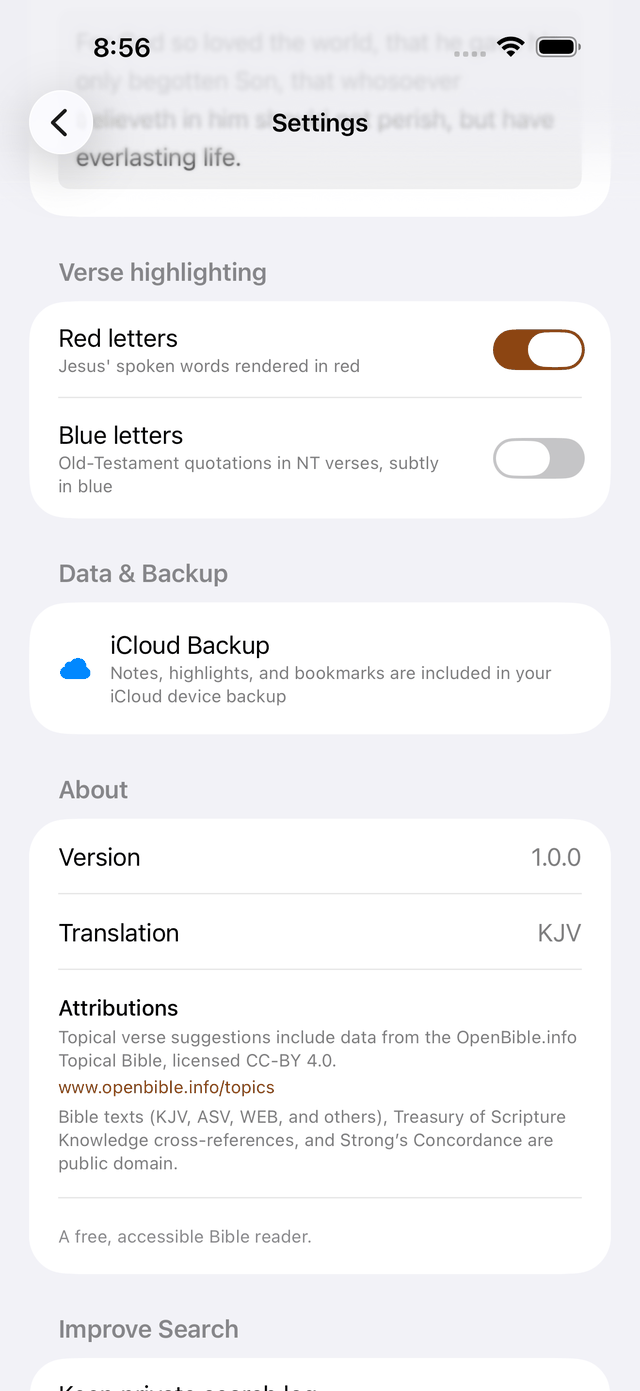
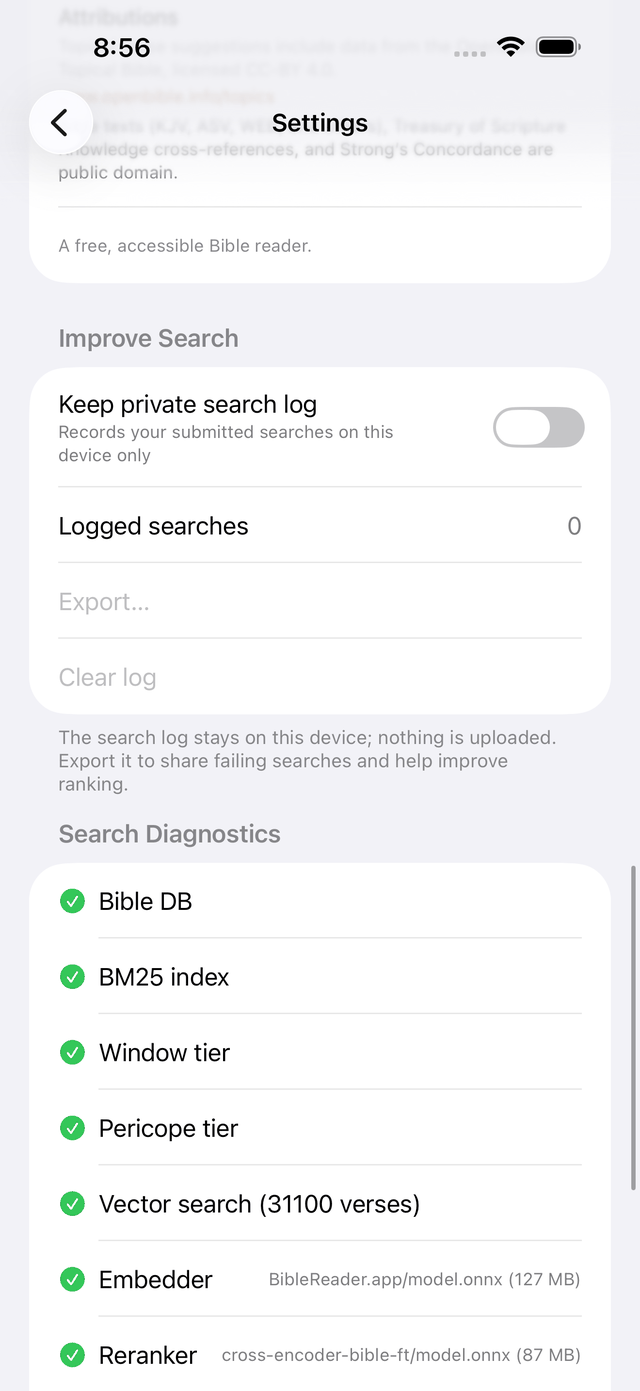
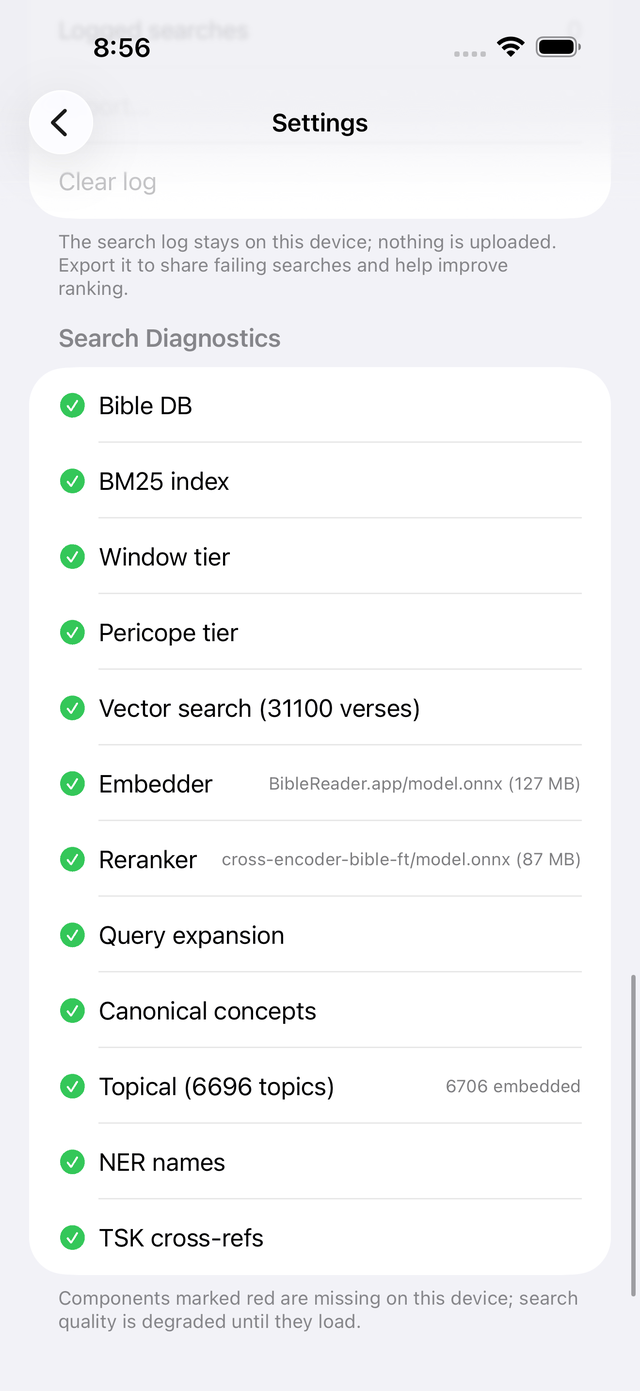
每項設定,一目了然
沒有隱藏的開關,沒有令人費解的切換選項。這裡完整呈現整個設定畫面,由上到下一覽無遺。
Reading, translation & language. Read with smooth continuous scrolling, switch between installed translations instantly, and set the app interface to English, Español, Português, 中文, العربية, or Filipino.Language, appearance & typography. Set the interface language (English, Español, Português, 中文, العربية, Filipino), pick a theme, and tune font, size, spacing, and alignment with a live preview.Verse highlighting, data & about. Toggle red letters (the words of Jesus) and blue letters (Old Testament quotations in the New). Notes and highlights ride your device's iCloud backup — the app itself never sees them — and every attribution is in the open.Improve Search. An opt-in, local-only search log. Off by default, nothing is ever uploaded — you can export the JSON yourself or clear it any time.Search Diagnostics. Transparency as a feature: every component of the search stack — BM25, vector index, embedder, reranker, topics, cross-references — inspectable on your device, all green.
為研讀而生
搜尋是入門之窗;研讀工具才是整座殿堂。
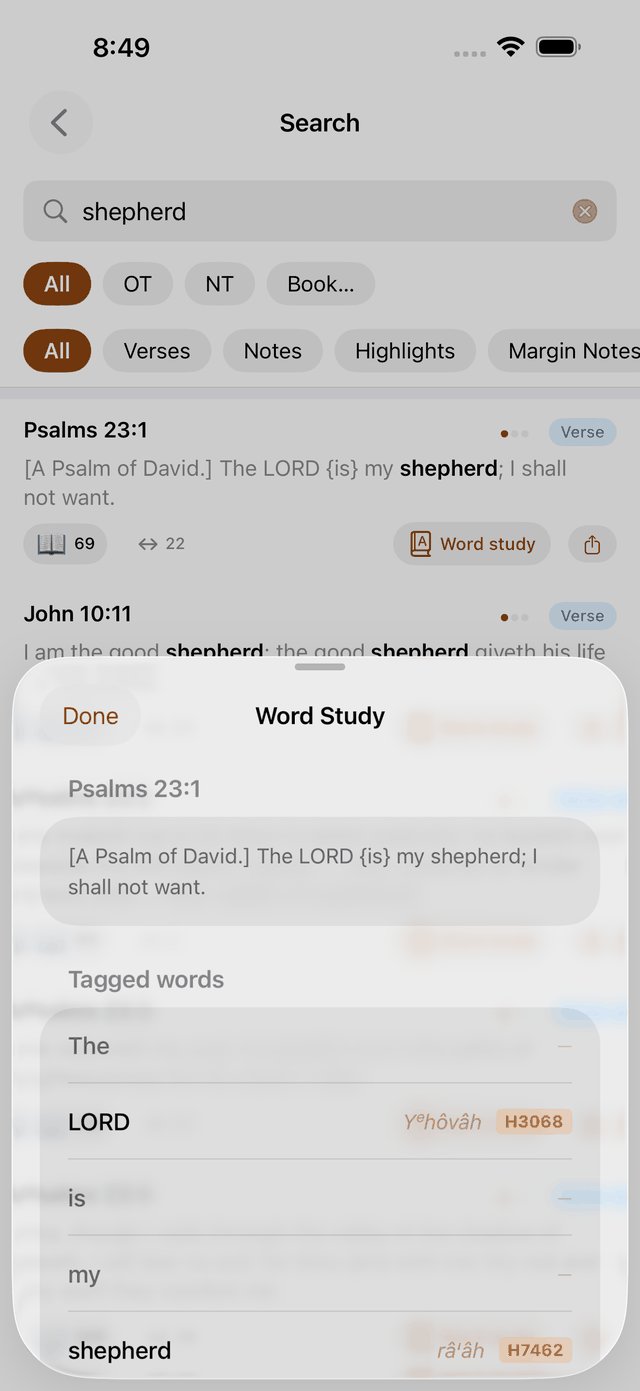
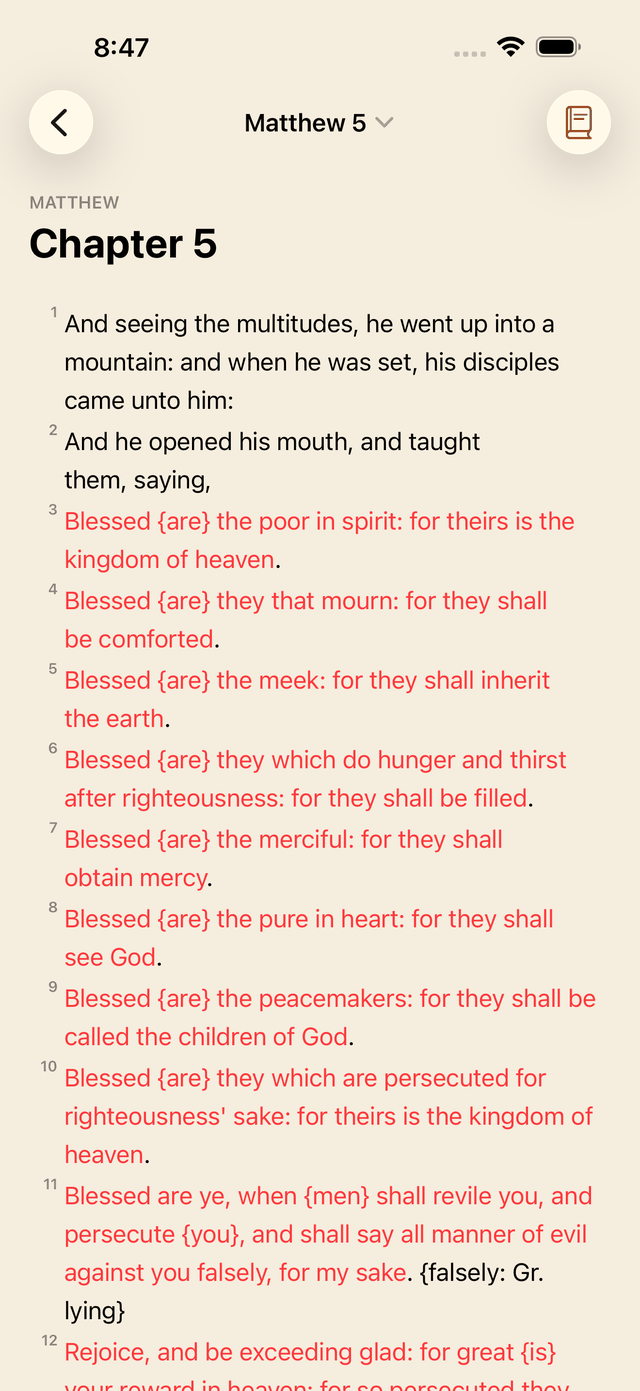
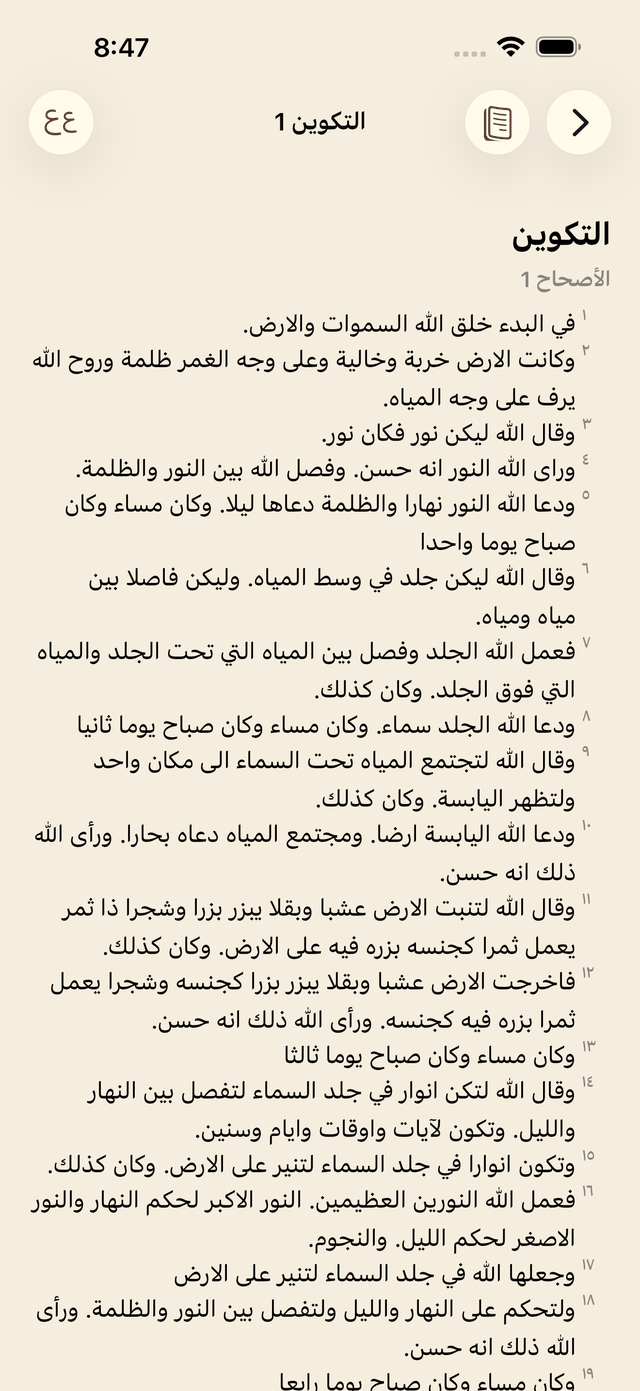
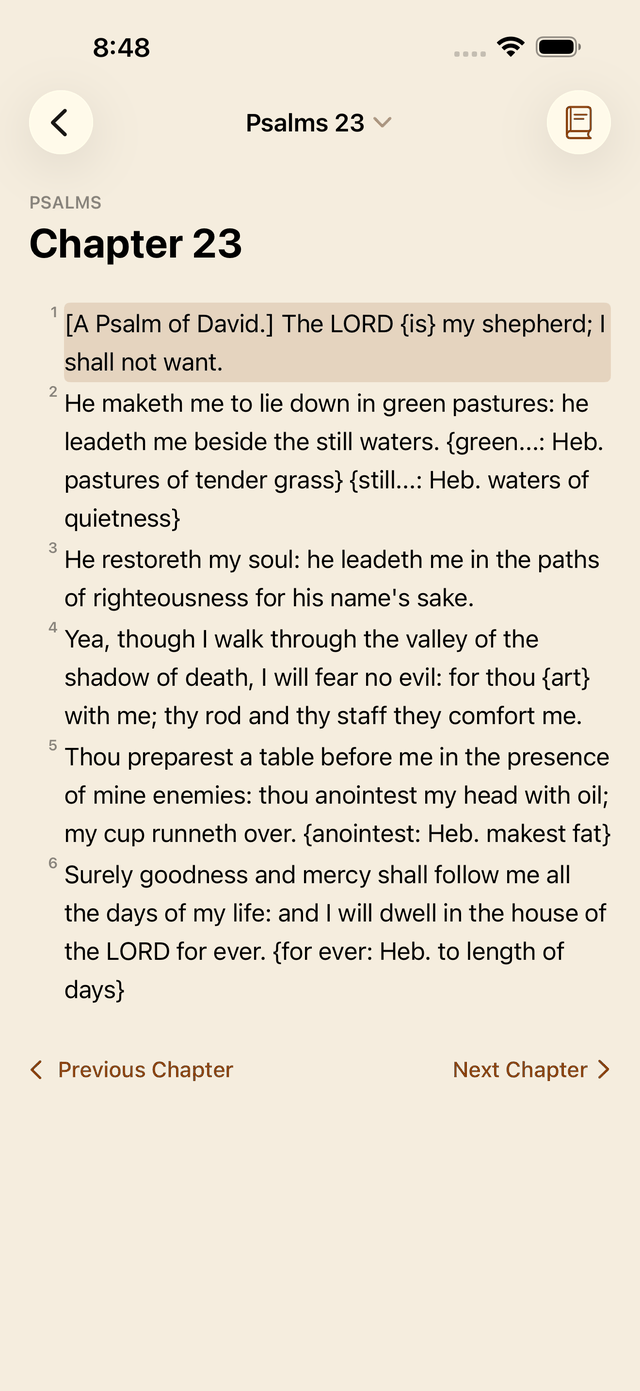
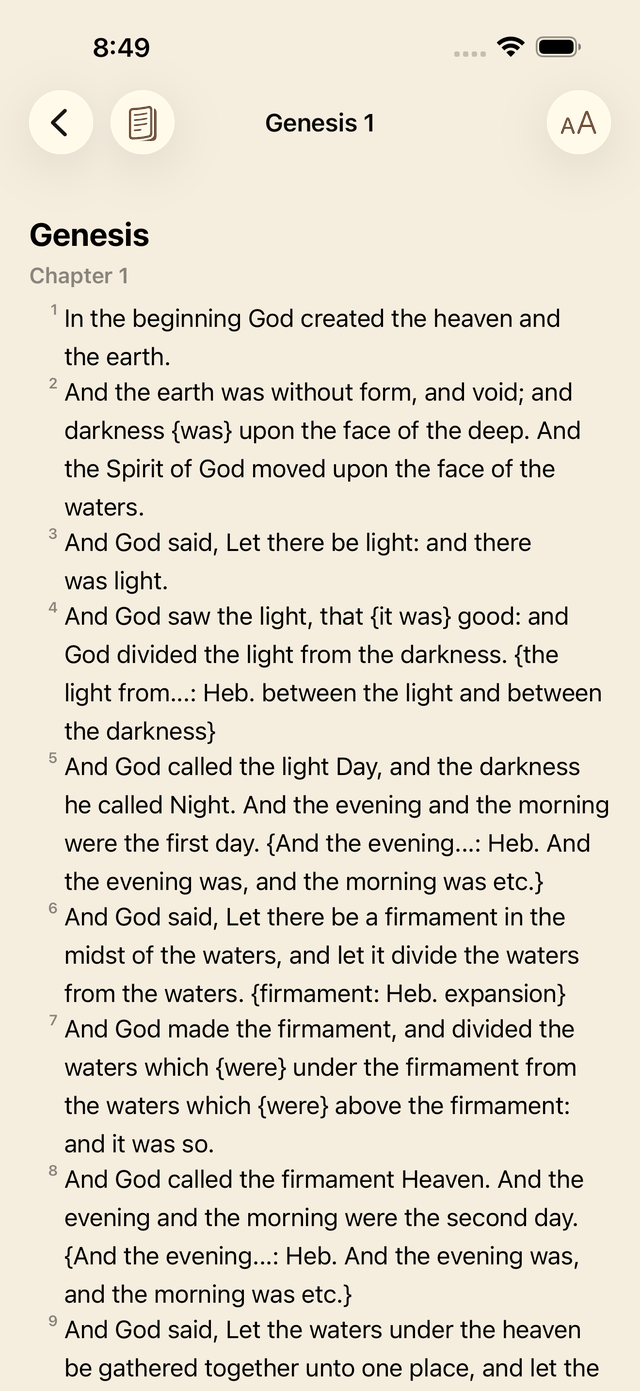
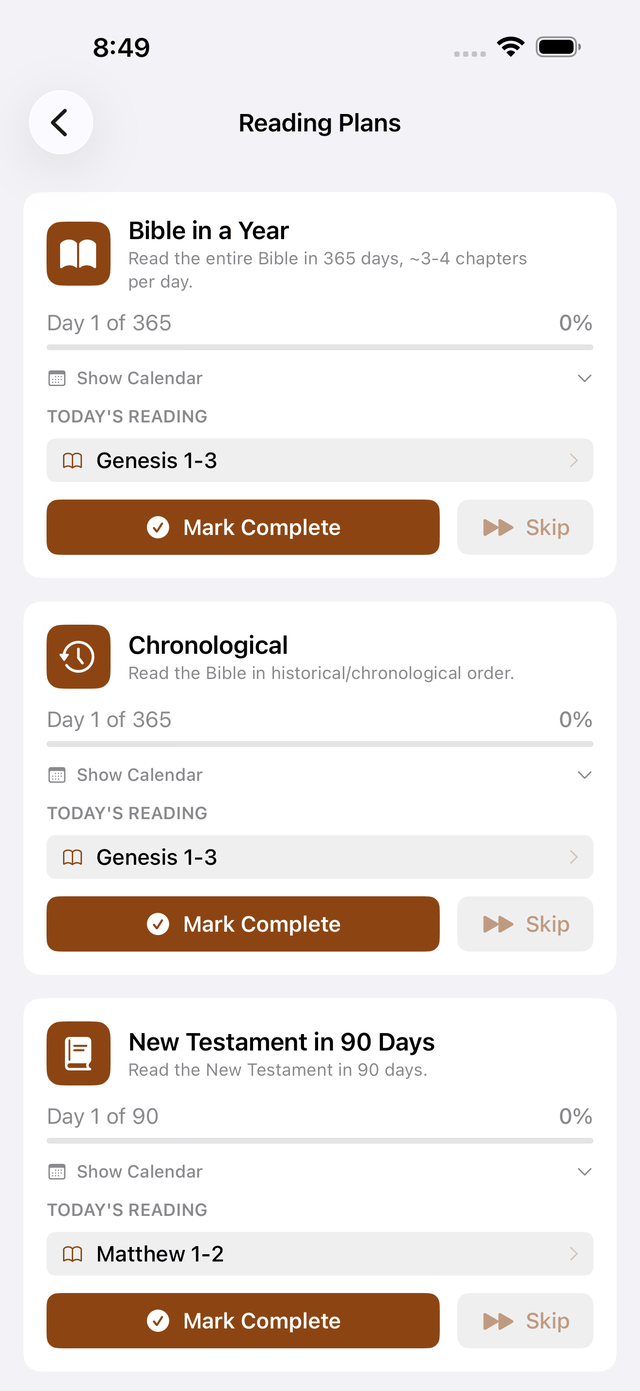
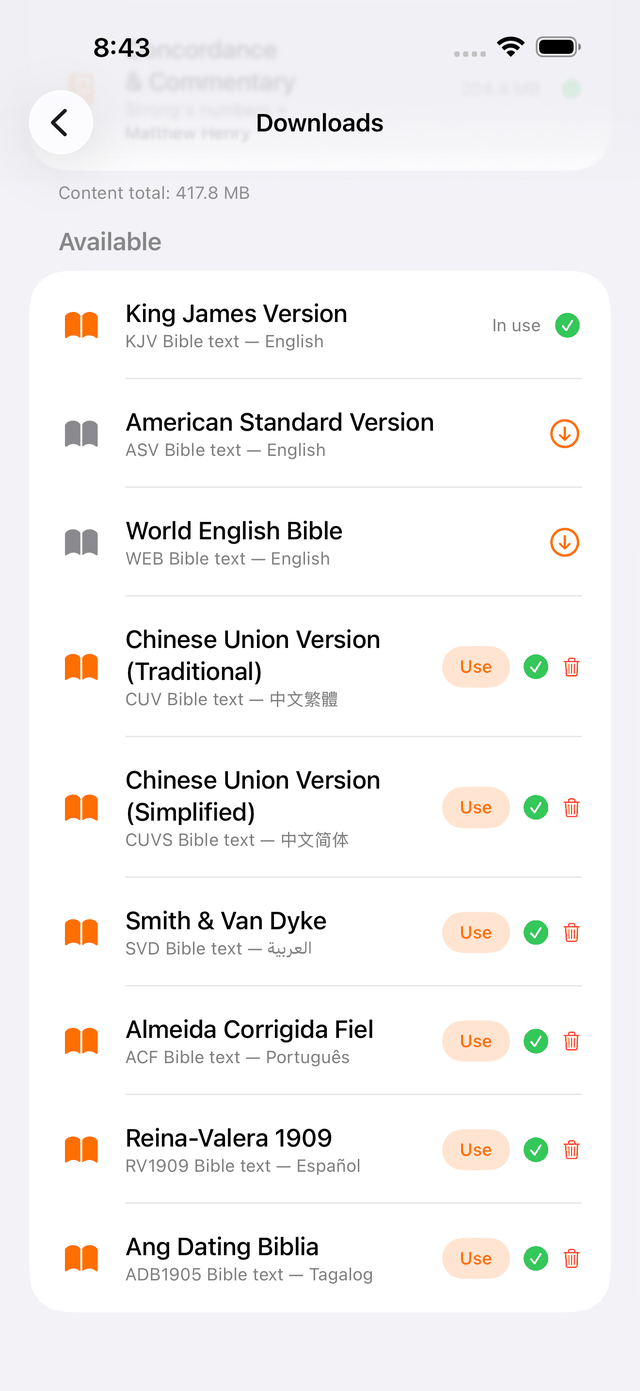
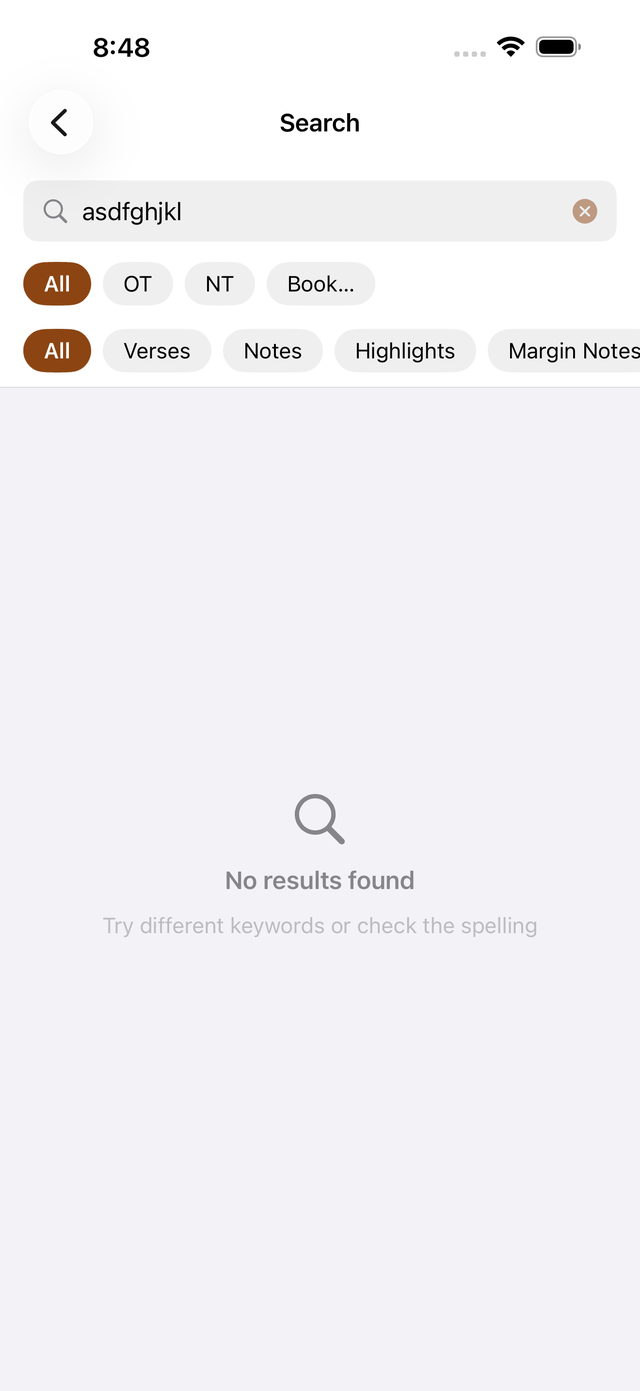
Word study with Strong's. Tap any verse's word study to see its tagged words and original Hebrew or Greek — definitions included, offline.Red letters. The words of Jesus in red — here in the Sermon on the Mount. Old Testament quotations in the New can be marked too.Right-to-left Arabic. The Smith & Van Dyke translation with a fully right-to-left interface — not retrofitted, native.From result to context. Tap a search result and land in the chapter with the verse gently highlighted — you always know where you arrived and why.Continuous reading. Read straight through without chapter breaks — the app remembers your read-through position separately from your study position.Reading plans. Structured plans with daily progress tracking, entirely on-device.Nine translations, your choice. KJV is built in; download the rest — Spanish, Portuguese, Chinese, Arabic, Tagalog — each with its own full offline search stack, and switch with one tap.Honest when there's nothing. Gibberish gets "no results," not a page of confident nonsense — search that would rather be quiet than wrong.